Using a frame for my production
- Bethany Capstick

- May 8, 2019
- 1 min read
Updated: May 13, 2019
This is my process of putting a picture into a frame. (I used the same process as my practise)




I first dragged my image that i wanted into photoshop. I then used the shape tool and then clicked the Ellipse took.


Once i had selected my tool I drew it around the area i wanted to be in the frame (his face). I then had to make sure there was no fill and made sure the line thicker.

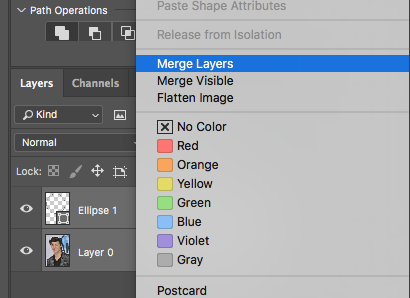
Once this was done i merged the two layers together . I then used the quick selection tool and drew around the circle and pressed delete. That then left me with my end product

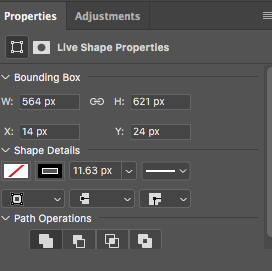
Here are the line settings i had used for my frame.


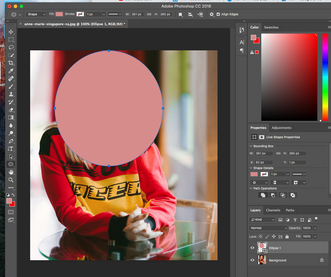


I also went through this process with all of my other pictures.


Comments